Pages

Showing posts with label Environment. Show all posts

Wednesday, 26 October 2011

UDK BackAlley

Heey! =)

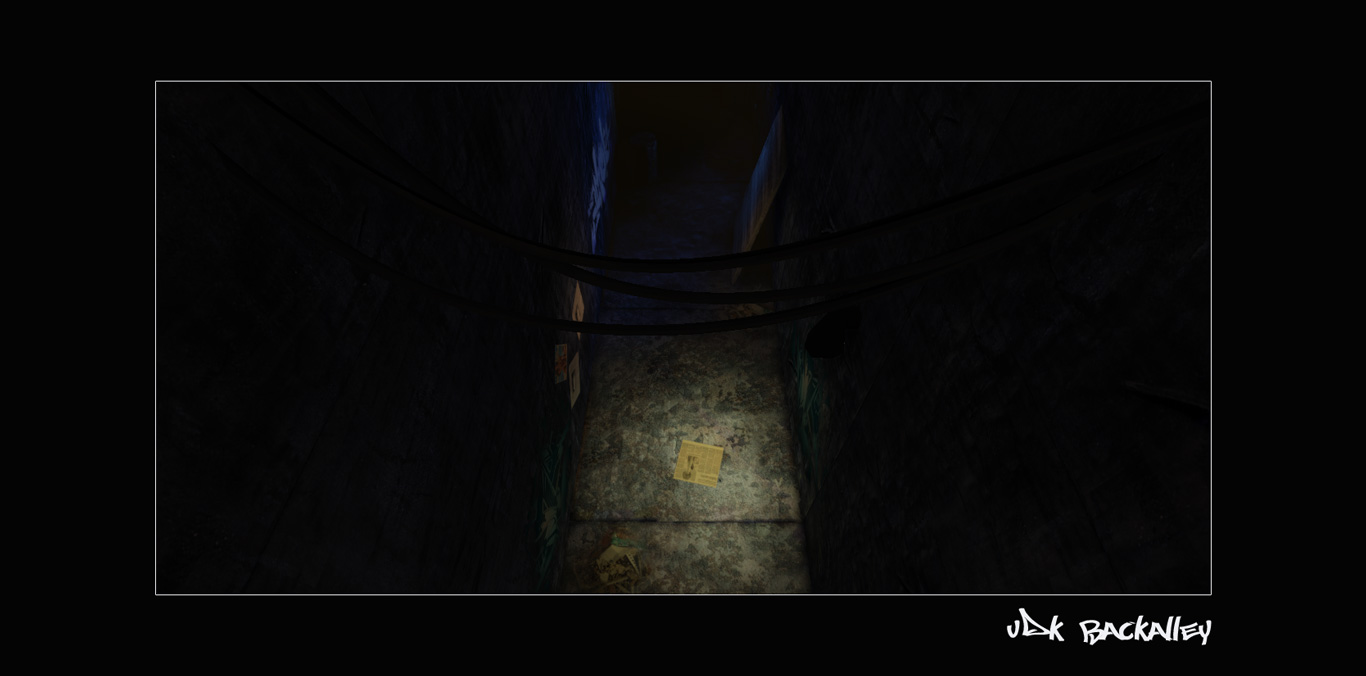
Well here's the finished piece, hope you like =) Prolly the first piece I can actually put in my portfolio for once =)


Rather than typing out a long, arduous speech, here's my process instead =) Click 'Show Original Image' when in the black screen, and then click the img to maximise. Enjoy =)


And I thought to put up my nodes for the dynamic reflections in case anyone's curious.. =)


Here are nodes for the static reflections (easier) =)


And here's the nodes/example of the emissive mapping (glow maps) in Unreal (UDK) =)


Hopefully that helps =) Cheers Guys! =)

Friday, 21 October 2011

UDK BackAlley Final Preview =)

Heeyy! =)

This is the last preview I'm showing you guys before I work toward the finished thing =) Worked most of the day on this =) 90% finished with the texturing and high poly =) Decided to not bother high polying the street lamps or the sky wires cuz they're in shadow mostly and you'd just see the silhouette most of the time =) Still have to tidy up a few things and apply finishing touches =) Then onto reviewing the Lighting, Sounds, and Cinematics with UDK Matinee =) Cheers Cheers! =)


Thursday, 20 October 2011

UDK Back Alley Preview 3 (Uni Work)

Hey heey Guys! =)

Did texturing and lighting today mostly and also doing high poly on all the assets. Still have to do the wooden board, street lamp, rubbish and the posters/graffiti high poly, so that will be tomorrow.

Please note the colours/lighting aren't final, I will do some colour concepts first, and then adjust the texturing and lighting accordingly. C&C very welcome, be harsh! =) Cheers Cheers! =)


Tuesday, 18 October 2011

UDK Backalley Preview 2 (UDK Work)

Heey hey Guys =)

So.. yip.. mmm.. jus more work on the area really.. more texturing and high poly, not very good at it.. but just trying to get the overall feel going =) Tweaked the lightmap quality up to 128 pixels (you do this through the mesh properties if anyone's interested). =) Going to continue with this tomorrow.. although we got lectures/tutes, so may be too tired =)

C&C most welcome! Be harsh! =)

Cheers Cheers! =)


Sunday, 16 October 2011

UDK Backalley Preview (Uni Work)

Hey Guys! =)

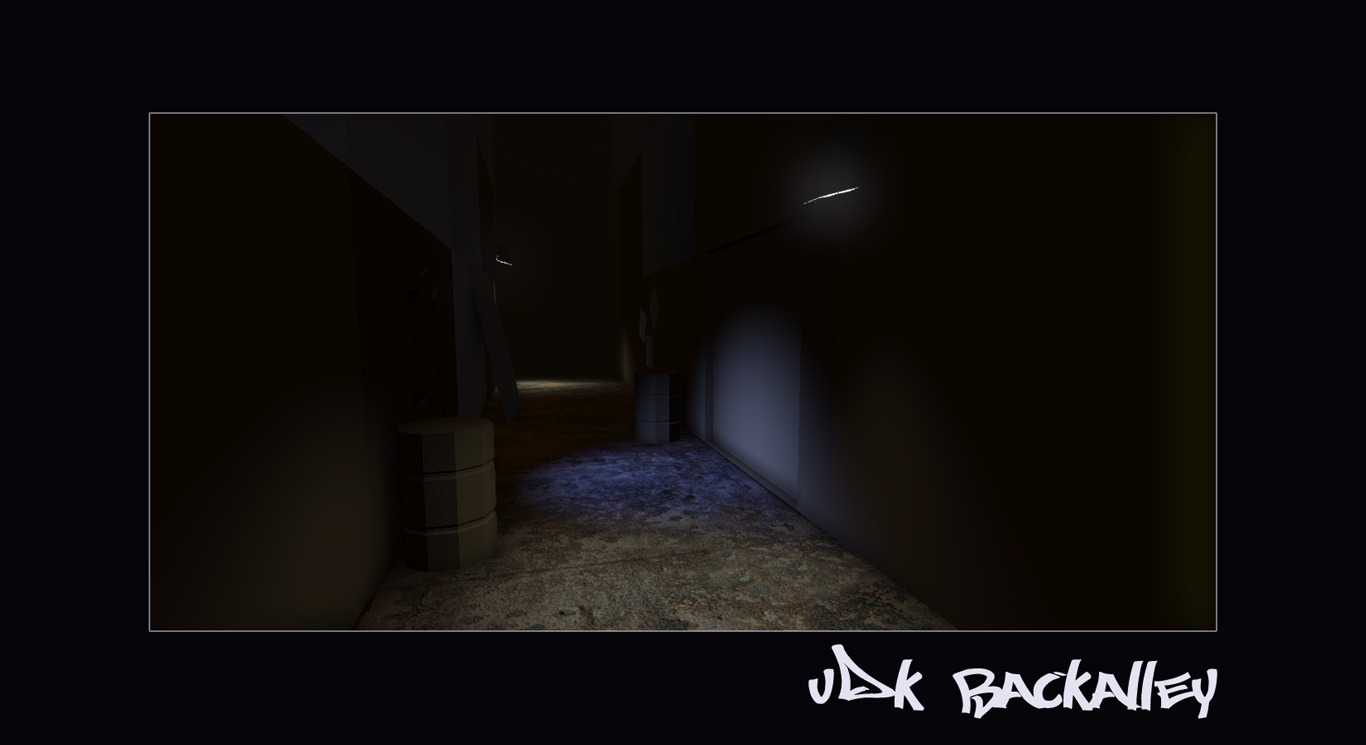
Started to work on the lighting and ambience for the alley. C&C welcome =)


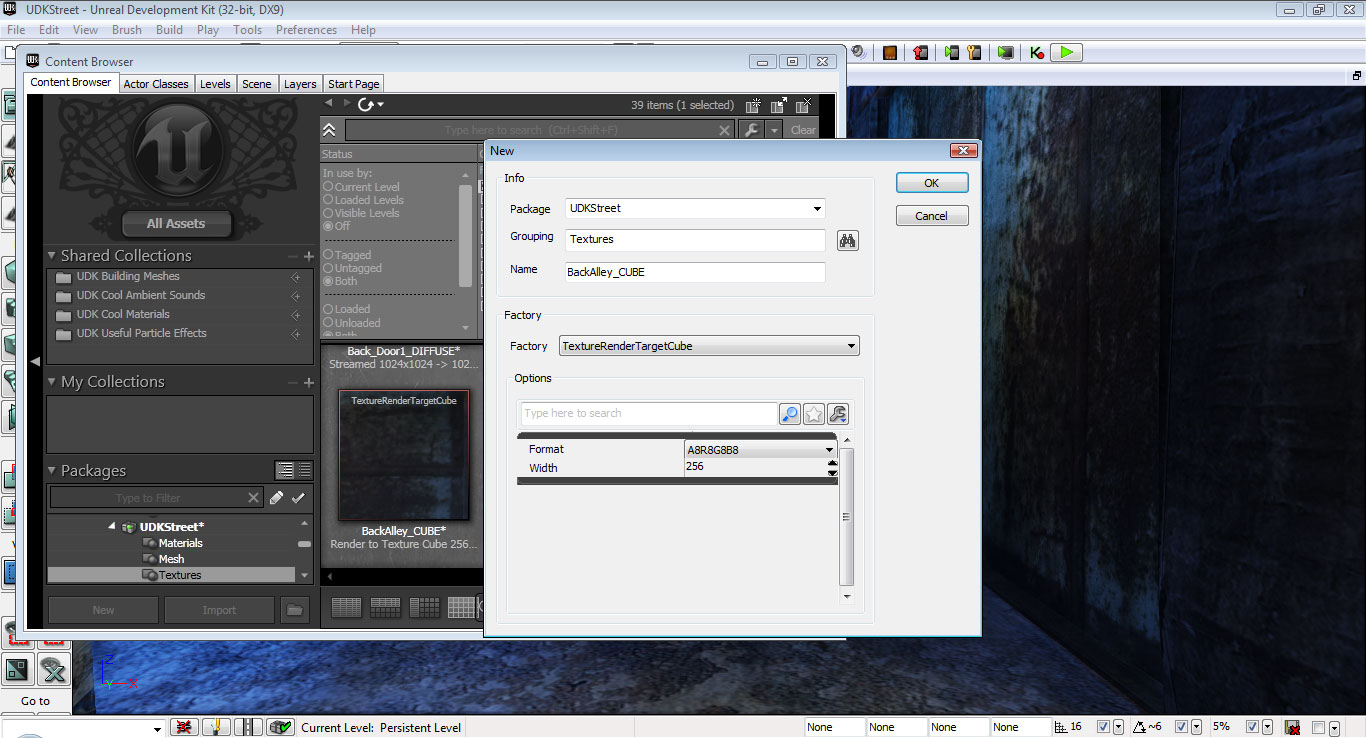
Made some quick emissive maps for the street lamps. An emissive map makes things glow in the Unreal engine. You can make a copy of your diffuse map, and then anything you want to glow, paint it white or some colour, and anything that shouldn't glow paint it black. Connect it into the emissive channel of your model in the material editor for UDK as shown. Use a multiply node to adjust its glowiness =)


Cheers Cheers! =)

Saturday, 15 October 2011

UDK BackAlley (Uni Work)

Hey heey Guys! =)

Okay, after much trial and tribulation, got the blockin from Maya into UDK. Had major issues with poly flipping, where I'd make a model in Maya and for some archaic reason all the polys would be flipped, so when it's imported into UDK, well you get an inside-out mesh! Fantastic! =) Okay enough with the Maya bashing! =) Here's the blockin... =)


AND! I'm SOOO HAPPY! =) Managed to solve my Rubix cube! Check it out!!!!!11!!1111 =) Lull =)


Have a great weekend everyone! =) Cheers Guys! =)

Wednesday, 12 October 2011

Maya Environment - Turnaround Drawings (Uni Work)

Hey heey! =)

Okay, this is prolly the most boring-to-look-at update, sorry! =), but I thought to post it up jus to show what I'm working on at Uni. Basically turnaround drawings of everything in the scene which I'm planning to make with Maya and UDK. I must confess, I was bored to death doing this stuff.. I don't much enjoy drawing mechanical stuff.. not sure who does, meeoww! =)


Yip, it prolly looks very sterile but I'm trying to be cleaner in my drawings and use crisper lines in general to give a better effect. I hope it doesn't seem entirely boring to look at, really trying to just go for a cleaner look in general.


I would usually do turnarounds of more organic things in pencil but for certain things, particularly mechanical objects and such I prefer to use digital drawing instead, the mantra being to use the mechanical to make the mechanical, makes sense to me =) Using Shift to draw straight lines in Photoshop, and also using the marquee and stroke tools to create lines. I hope that helps =)


Well that's all for now =) Hope I haven't bored you to tears yet =) Going to proceed with Production now, which basically means creating the models in Maya and arranging them in the UDK engine =)

Oh btw, maaan, I feel so down atm, I saw a girl on the train today and she looked so depressed.. I hope I don't ever become like that.. that just sucks! =) Well.. onto more improvements and betterment! =) Cheers! =)

Saturday, 8 October 2011

Alley - Scene Assets Concepts (Uni work)

Hey heey! =)

Well I can't believe it, I spent most of this weekend putting together all the concepts for the assets in the alleyway. It's nearly 6PM in the evening here.. I didn't think there would be so much to concept out but I guess if you want things to look exactly how you want them to look, you gotta spend the time.. =) Some things I think are going to need touching up but the gist of it is there =)


One thing I struggled with and made me feel very uncreative was trying to draw rubbish, actual garbage that is. So for the moment I've just concepted like a suggestion of it, and then I'm going to go in and draw overtop of it to create the actual rubbish.


Not really happy with the drums, did them yesterday, and looking at them today with fresh eyes I think I can do a better job of them tbh.


Well, I think that's all for now, still need to improve in terms of quality and speed..
Anyway, next I have to do turnaround drawings for all the assets and angle shots of the alleyway. Cheers guys! =)